
“Ringback” is the typical signal a caller hears through the telephone speaker while waiting for a call to be answered.
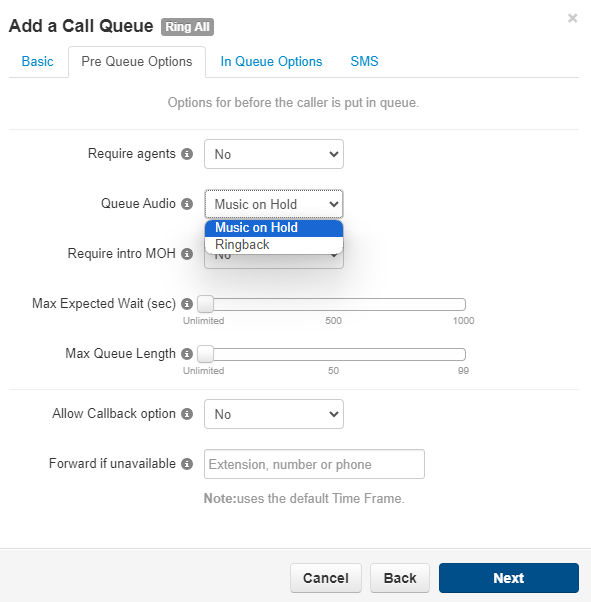
When creating a Call Queue use the ‘Queue Audio’ option to select Music on Hold or Ringback.
If Ringback is selected, after the Queue has been added this can be changed by editing MOH for the queue and uploading music as required.
How to configure Ringback if Music on Hold selected
- Download the attached ringback.wav file from this article (expand ‘Article Attachments’ below)
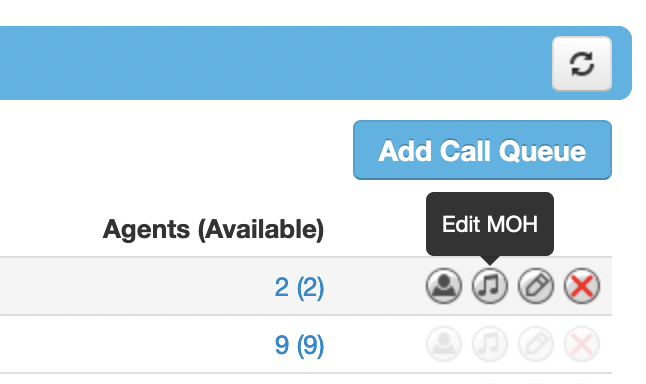
- Navigate to the Call Queue screen within the domain that the queue is configured in
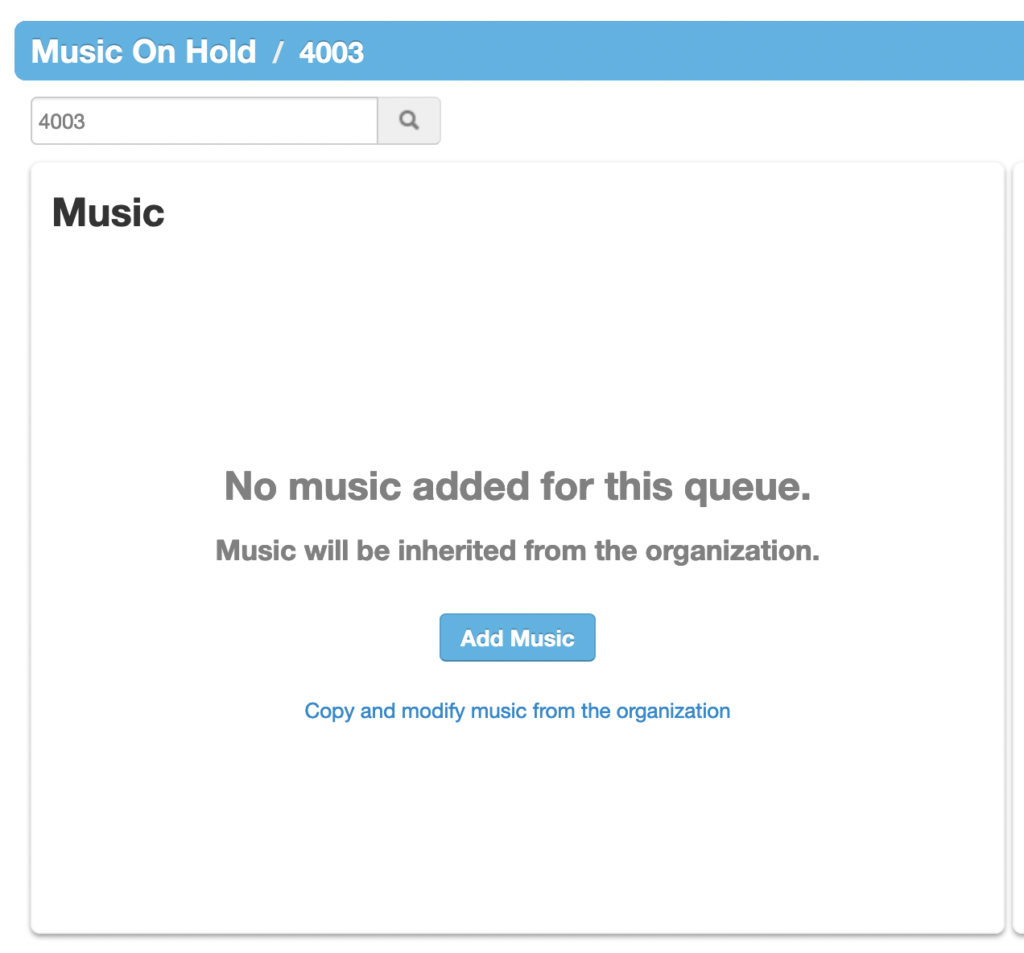
- Click on the Edit MOH button besides the queue you’d like to change and then Add Music
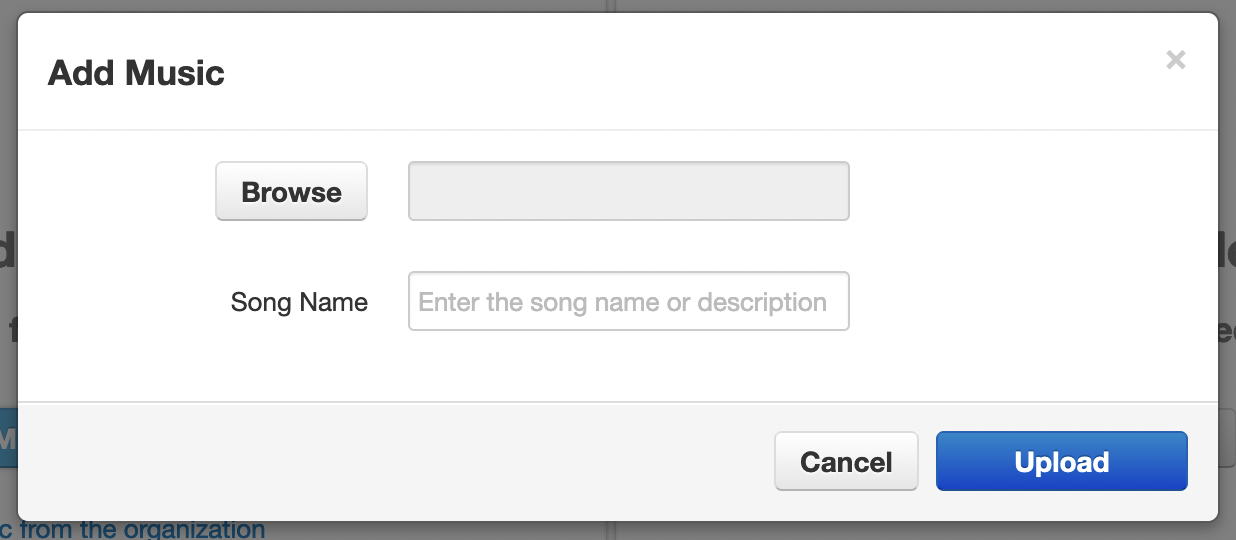
- Browse for the ringback file downloaded in step 1 and press “Upload”