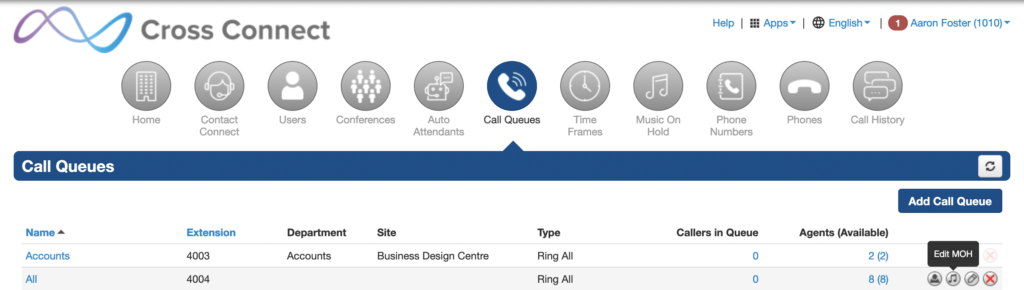
Multiple Music on hold files can be added either at a domain level to play as default or individual queues can be configured to play their own music on hold playlists. Callers that are in a queue system or placed on hold will hear these music files instead of silence.
It is important to note that copywritten music shouldn’t be used as music on hold unless the correct licensing has been acquired.
Uploading Music on Hold
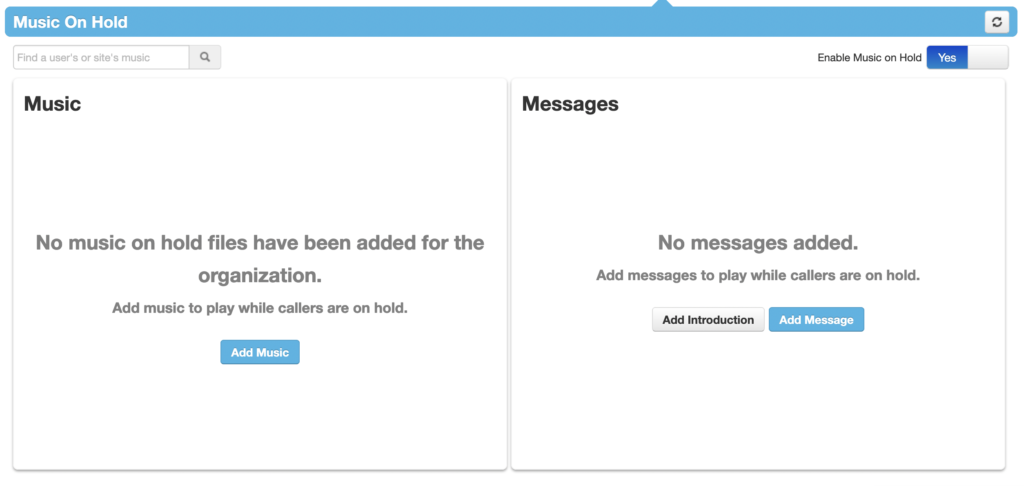
To upload music on hold simply navigate to the “Music On Hold” with office administrator privileges or higher. In this view you can upload files directly from your machine to be played as default or upload periodic messages to be played at intervals whilst the caller is on hold.
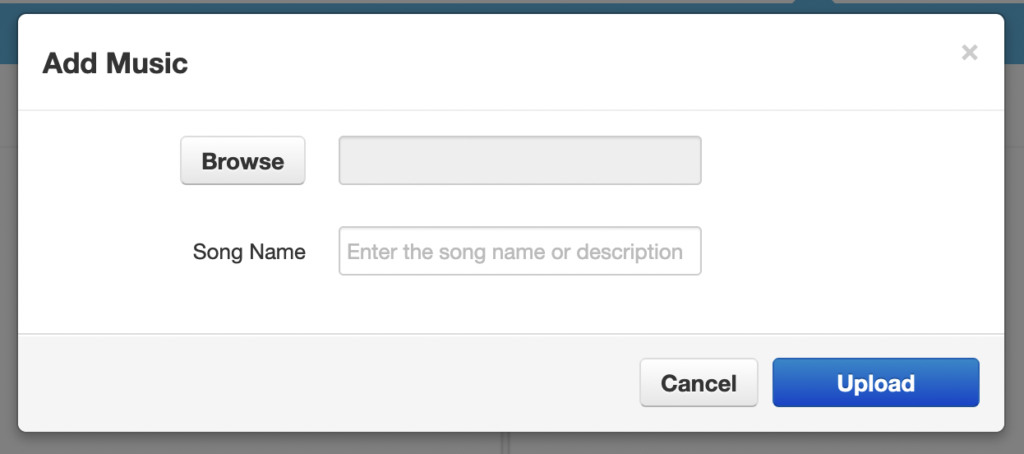
Press “Add Music”, browse for your file to upload and give the file a short descriptive name and press upload.
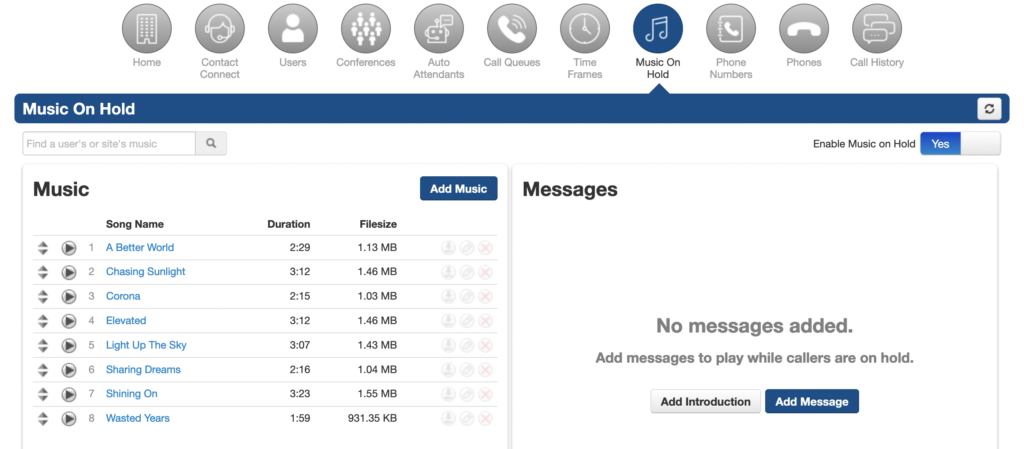
Once you’ve uploaded your files you’ll see them in a list view under “Music”. The play order of these files can be changed by dragging the file up or down with the control on the left-hand side.
Overriding default Music on Hold
Music on hold can be overridden on a per queue basis by entering the music on hold configuration page from the call queue panel. The view and controls are exactly the same as the instructions above but any changes will be applied only to the queue being configured.