
Do not disturb (DND) blocks new inbound calls from being delivered to your device, this is a handy feature for many scenarios, i.e., if you would like your handset to stop ringing during a meeting.
Any inbound calls that are received whilst DND is active will be redirected to your voicemail inbox.
Activating DND
DND can be activated by pressing the DND button on your handset, or alternatively by dialling the feature access code *78 to enable and *79 to disable the feature from any devices that do not have a button for it.
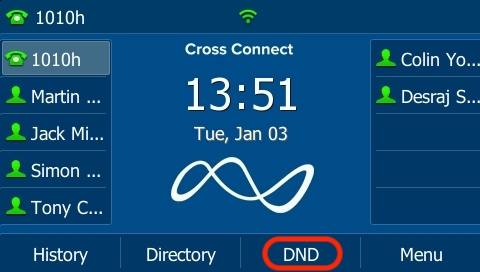
To deactivate DND simply press the DND key once more.
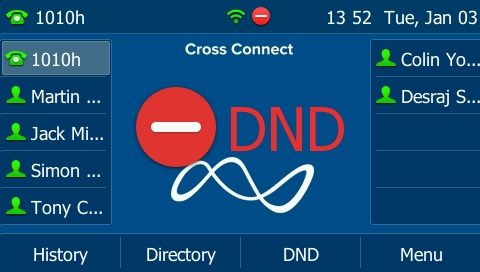
DND can also be enabled/disabled via Answering Rules, see the article on answering rules article for further information