By utilising the features of Join Call (Barge) / Whisper / Listen Only users (usually Contact Center Supervisors or Managers) are able to monitor and manage agents.
Rules
These audio monitoring features are only available to users with a scope of a Contact Center Supervisor or higher.
Join Call (Barge) / Listen Only are available on all calls; on net to on net call, or on net to offnet (on net is a call that is internal, off net is external).
Whisper only works for a call by an agent/employee (on net) connected to a call that is offnet. The call can be inbound or outbound.
Making the Connection
Contact Center Supervisor
To start the connection as a Contact Centre Supervisor:
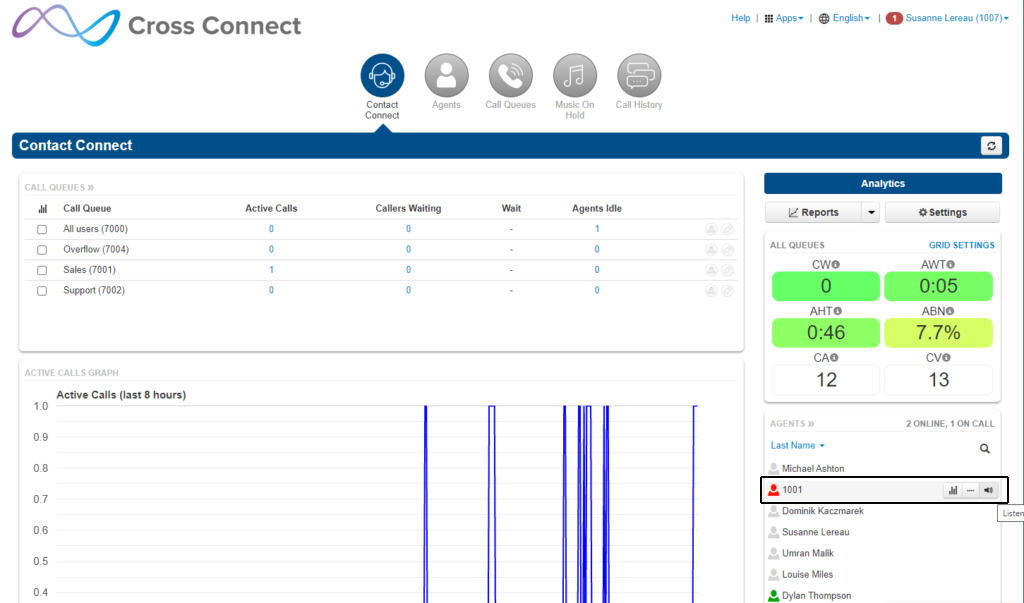
Locate the Agent currently on call (whose call you wish to connect to) from the list of Contact Centre Agents, or Agents who are part of a Queue.
Hover over the right side of the Agent listing and click the speaker icon that will appear. It may take a second or so to show a reaction.
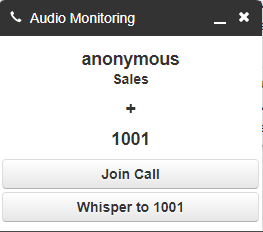
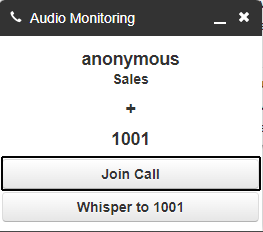
An Audio Monitoring box will appear on the bottom right of your screen, which will allow you to control your connection from this point on.
Connect as any user with a subscription above Contact Centre Supervisor
To start the connection as any user with a Scope above Contact Centre Supervisor:
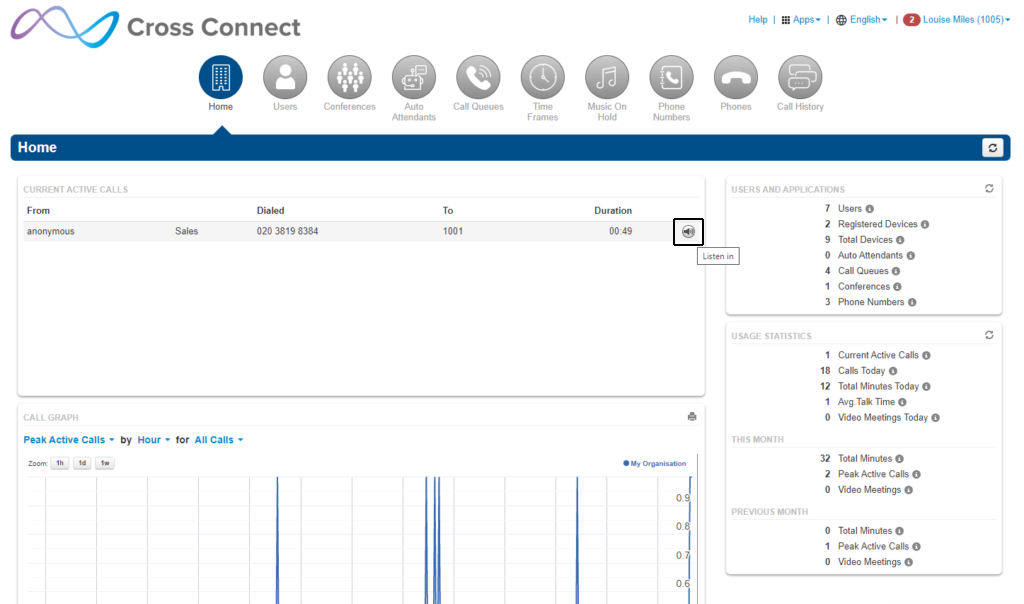
On the ‘Manage Organisation’ section of the Cross Connect portal locate the call you wish to connect to on the Home Screen under the ‘Current Active Calls’ table.
Hover over the right side of the call listing with your mouse and click the speaker icon. It may take a second or so to show a reaction.
An Audio Monitoring box will appear on the bottom right of your screen, which will allow you to control your connection from this point on.
Join Call (Barge)
The Join Call feature (also known as Barge) allows a listener to join into the call, rather than just listen (as is the case with Listen Only), or speak to only one of the parties (as is such with Whisper, on net User only).
Join Call allows both parties of the call to hear the Supervisor joining the call.
Whisper
The whisper feature allows the Supervisor to speak only to the Agent (on net User). The Caller (off net caller) is not able to hear the whisperer.
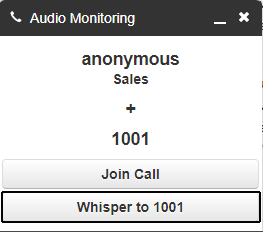
Note: The whisper option is only available on Calls where one party is an on net User and the other party is an off-net User. This can be either an Inbound or outbound call.
Listen Only
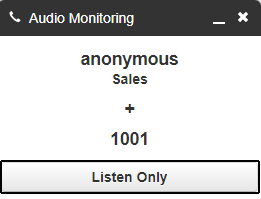
The Listen Only feature allows the listener to hear both sides of a call, but not be heard by either of the other parties.
By default, the Listen Only is selected when a connection is made, so both the Agent (on net User) and Caller (off-net caller) will be unaware of the listener.