
Dialing with Tray menu
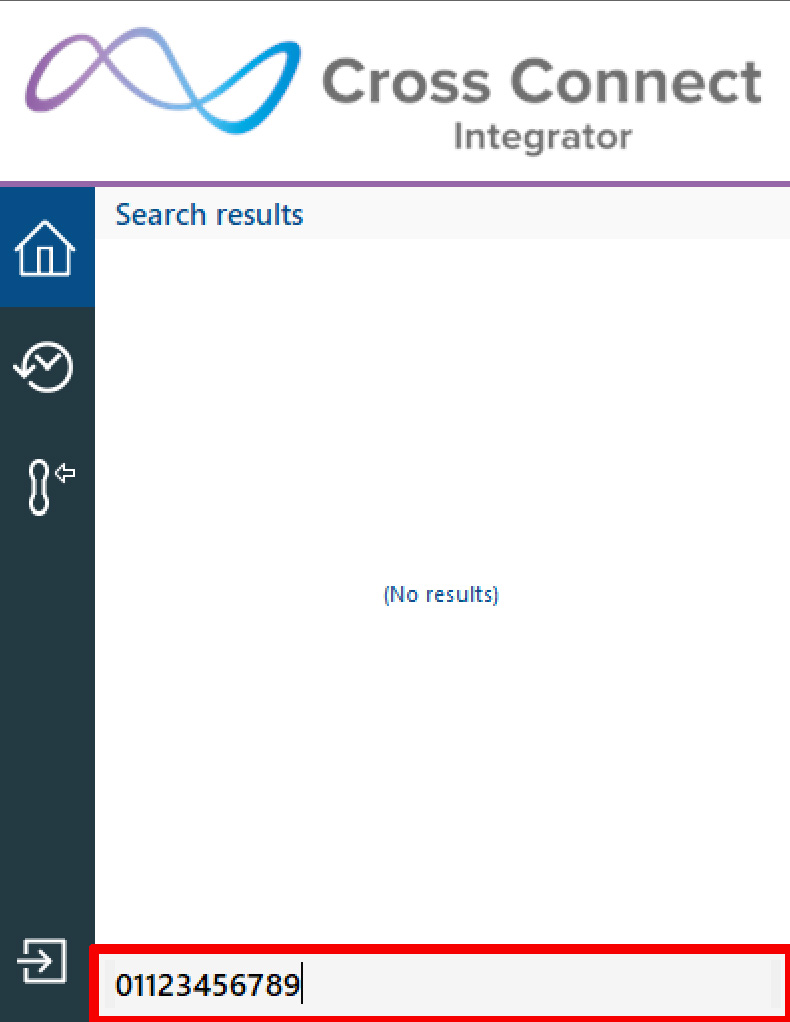
In Tray menu mode, simply right click the Integrator tray menu icon, type the number to dial and hit Enter:
NOTE: The dialing method is the same regardless of the preferred device type selected: Deskphone, Softphone etc. However, the call process will vary with the preferred device type selected – a “dialback” may need to be answered first by the selected device before the outgoing call is made.
Dialing with AppBar
In AppBar mode, the “Calls” page also includes the Dial bar.
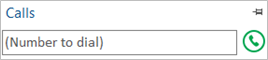
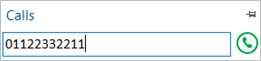
Enter the required telephone number and hit Enter or click the Call button to make the call:
NOTE: The dialing method is the same regardless of the preferred device type selected: Deskphone, Softphone etc. However, the call process will vary with the preferred device type selected – a “dialback” may need to be answered first by the selected device before the outgoing call is made.