
Configures audio devices and codecs for Integrator integrated Softphone option.
The integrated Softphone may not be available depending on user license levels.
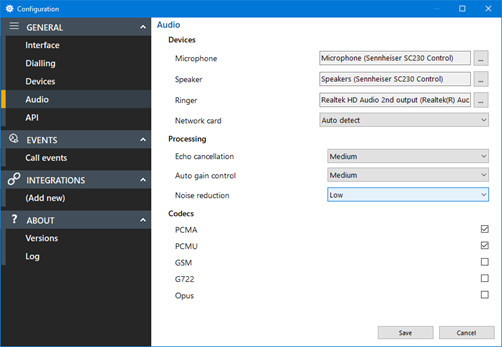
Devices
Select the primary microphone, speaker, ringer and network card:
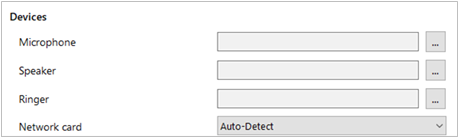
For each device, click the selection button:

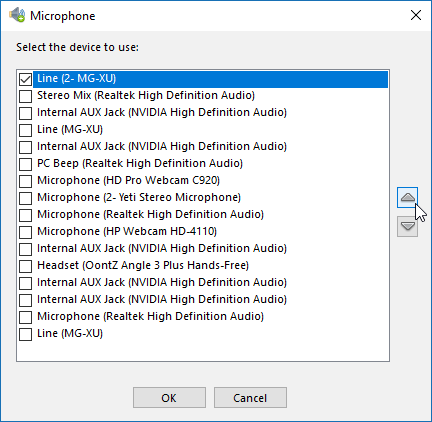
Then tick the box against the preferred audio device from the list of available audio devices found.
Click OK to confirm the selection.
Processing
Make adjustments to Echo cancellation, Auto gain control and Noise reduction:

NOTE: Please refer to IT support before modifying these settings.
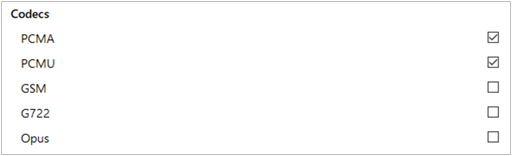
Codecs
Select the audio codec(s) appropriate to the platform in use:
NOTE: Please refer to IT support before modifying these settings.