The progressive web app allows for a user to install the Call Connect web app as an application on their desktop which allows the app to recieve desktop notifications for calls and messages, be convieniently launched from the task bar as well as starting the app when the machine starts.
Installing The App
First log in with your Cross Connect username by navigating to Call Connect from the system portal or logging directly into the softclient via the direct login link.

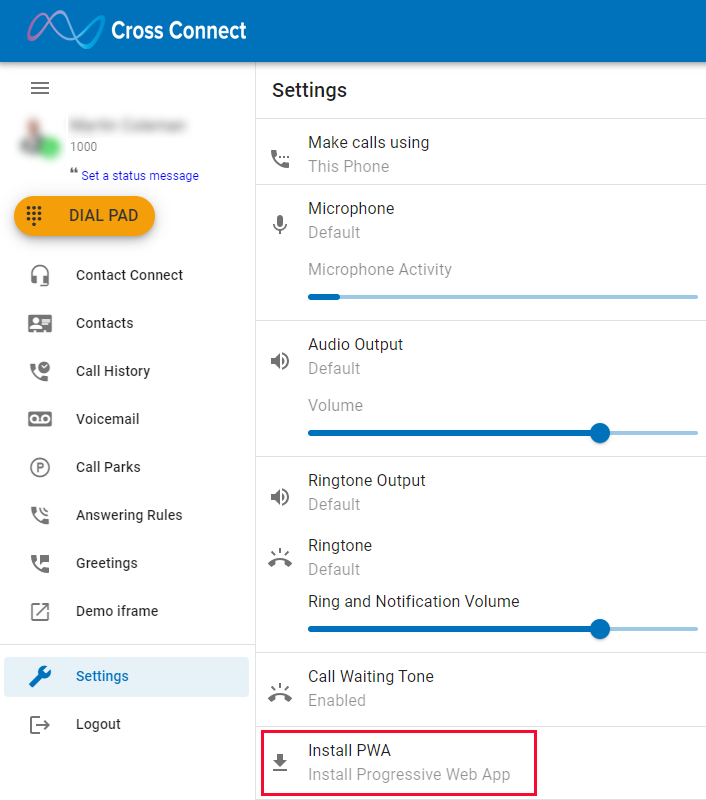
Once logged in, either press the download icon in the top right of the browser window or navigate to Settings > Install PWA. If the download buttons do not appear it may mean that you are not on a compatible browser.
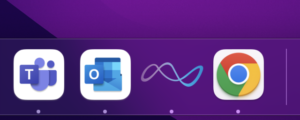
Once installed the application will be available in the start bar / task bar
Setting the app to run on startup
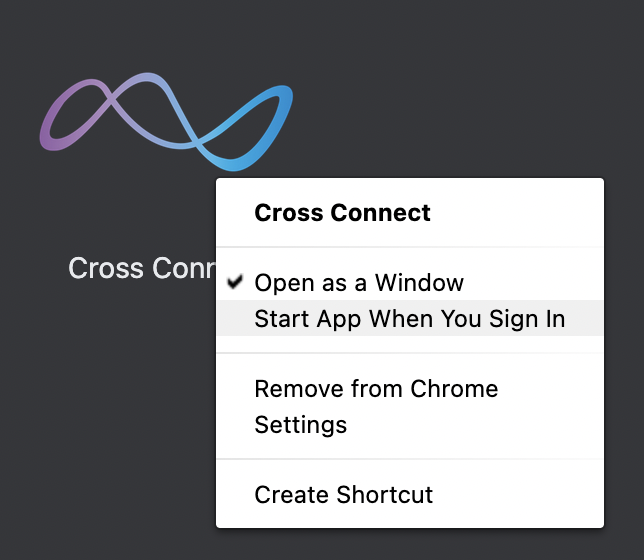
Navigate to chrome://apps within the chrome browser, you should see the Cross Connect app.

Right click the app and press “Start App When you Sign in” to ensure the app starts when the machine starts.